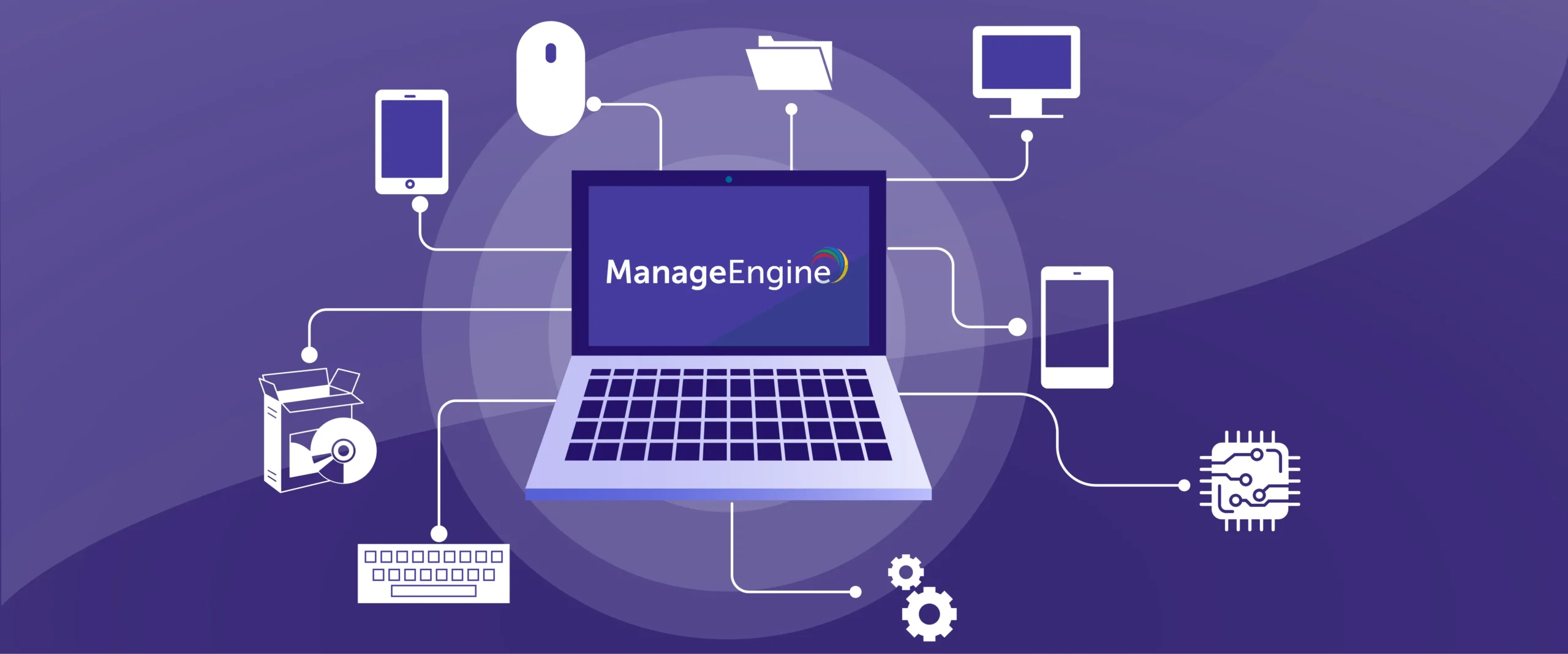
Every technological advancement brings more complexity and a growing number of assets that businesses must manage. To fully leverage innovations in IT, manufacturing, and other sectors, companies need a reliable system to track both moving and stationary assets that make up their infrastructure. Without proper oversight, businesses risk inefficiencies, wasted resources, and missed opportunities for growth.


Free asset management software provides a centralized solution to monitor, maintain, and optimize every component of your organization’s operations.
Understanding Asset Management Software
At its core, asset management software is a digital solution designed to track, monitor, and manage a company’s assets throughout their lifecycle—from procurement and usage to maintenance and disposal.
Instead of relying on spreadsheets or paper records, businesses can centralize asset information, gain real-time insights, and ensure every asset is accounted for.
Key features often include:
- Asset tracking: Record every asset with details like location, status, and ownership.
- Maintenance scheduling: Automate reminders for servicing, inspections, or repairs.
- Depreciation tracking: Monitor asset value over time for accounting and reporting.
- Reporting and analytics: Generate insights on utilization, costs, and performance.
- Integration: Connect with accounting, HR, or ERP systems to streamline workflows.
How Does Asset Management Software Work?
As businesses grow, so does the number of assets they manage. Investing in enterprise asset management (EAM) software ensures these assets are used efficiently and effectively.
EAM software provides a centralized platform to track, organize, and analyze assets—regardless of type, age, or location.
While it might seem like adding complexity, manual tracking can be time-consuming and error-prone. If managing personal subscriptions or bills is challenging, imagine tracking an entire company’s IT equipment, machinery, and vehicles. Asset management software simplifies this process, reduces errors, and ensures every asset contributes to business success.
Why Asset Management Software Matters
For U.S. business owners and decision-makers, asset management is more than just record-keeping; it’s a strategic necessity. In fact, the global asset management software market is projected to grow from approximately $17.6 billion in 2025 to $ 26.4 billion by 2030. This rapid growth shows that investing in the right system is no longer optional.
1. Reduce Operational Costs: Knowing where assets are and how they’re used helps avoid unnecessary purchases and optimizes resource utilization.
2. Improve Compliance and Accountability: Industries such as IT, healthcare, and manufacturing face strict regulations. Software ensures accurate records, simplifies audits, and maintains compliance with federal and state standards.
3. Enhance Productivity: Automating asset tracking frees employees to focus on higher-value tasks while the system handles monitoring.
4. Data-Driven Decision Making: Real-time analytics allow businesses to identify underperforming assets, forecast investments, and plan replacements proactively.
Types of Asset Management Software
Different business needs call for different types of free asset management softwares:
- IT Asset Management Software
Specifically designed to manage IT assets such as computers, servers, and software licenses. Key features include software license tracking, patch management, and endpoint monitoring.
- Enterprise Asset Management (EAM) Software
Used by large organizations to manage physical assets like machinery, vehicles, and buildings. It focuses on maintenance scheduling, lifecycle management, and regulatory compliance.
- Fixed Asset Management Software
Primarily used by finance teams to track the value, depreciation, and location of fixed assets. It integrates with accounting systems to streamline reporting.
- Cloud-Based Asset Management Software
Accessible via the internet, this software is ideal for businesses with multiple locations or remote teams. It allows real-time updates and easier collaboration across departments.
Common Considerations Before You Invest
Before you dive in, here are several things to think through. What this really means is you avoid surprises and pick a solution that fits not just now, but for the next 3‑5 years.
- Scope & asset categories: Define what “assets” mean for you (software licences? physical equipment? leased assets?). If you start with one category, ensure the solution can expand.
- On‑premises vs cloud: Cloud solutions often offer faster deployment, lower upfront cost, and remote access. But if you are in a highly regulated industry or need tighter data control maybe on‑premises is preferred.
- Integration requirements: You likely already have ERP/accounting software, procurement tools, help desk systems. Make sure the asset‑management solution integrates well, or you’ll end up with data silos.
- Usability & adoption: If the system is too complex, your team won’t use it. Ease of use, mobile access, good training matter.
- Cost & ROI: Beyond licence fees, consider implementation cost, training, process change, ongoing maintenance. What savings or efficiencies will you get? Market size earlier shows how high the opportunity is
- Security & compliance: Asset data may be sensitive (software usage, device location, compliance records). Choose a solution with strong security, audit trails, encryption etc.
- Vendor stability & roadmap: You’ll want a vendor who invests in future capabilities (AI, IoT integration, mobile, cloud), not one stuck in legacy‑only mode.
- Change management: This is as much people & process as tech. Define who owns asset‑tracking, how data is entered/validated, how reports are used. Without governance, even the best tool won’t deliver.
Real-World Applications of Asset Management Software
Here’s how U.S. businesses use asset management software in practice:
- IT Companies: Track laptops, servers, and software licenses to reduce downtime and compliance risk.
- Manufacturing Firms: Monitor machinery performance and schedule preventive maintenance to avoid production delays.
- Healthcare Organizations: Keep medical equipment and devices in top condition while maintaining compliance.
- Educational Institutions: Track computers, lab equipment, and furniture across campuses efficiently.
How to Choose the Right Asset Management Software
Choosing the right software requires careful consideration. Here’s what U.S. businesses should focus on:
- Business Size and Industry Needs: Small businesses may need simple tracking, while enterprises may require full-scale EAM solutions.
- Scalability: The software should grow with your business and handle increasing numbers of assets.
- Ease of Use: A user-friendly interface ensures quick adoption and reduces training costs.
- Integration Options: The software should integrate seamlessly with existing systems like accounting, HR, and CRM tools.
- Support and Security: Look for vendors that offer strong customer support and robust data security, especially for cloud-based solutions.
The Future of Asset Management
Modern asset management is evolving with AI, IoT, and advanced analytics:
- Predictive maintenance powered by AI.
- Real-time monitoring through IoT sensors.
- Automated workflows that reduce human intervention.
- Advanced dashboards for proactive decision-making.
Investing in the right software today prepares businesses for these innovations, ensuring efficiency and long-term growth.
Final Thoughts
Asset management software is an important tool that helps your business run more efficiently, keep costs under control, and manage risks. As companies go digital, the number of assets grows, and manual tracking just doesn’t work anymore.
A good, easy-to-use system keeps all your asset information in one place, helps cut costs, ensures compliance, and makes decision-making easier. For businesses that want to simplify operations and get better ROI, cloud-based solutions like Zoho can make a real difference.