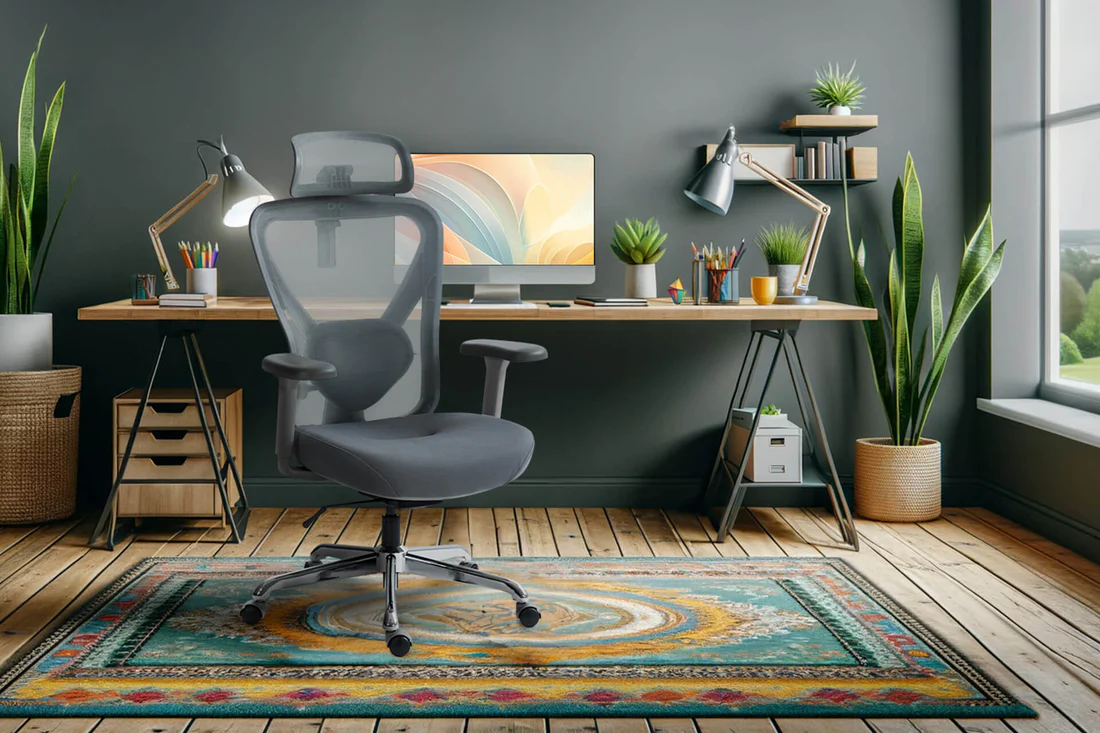
A poorly designed desk creates friction throughout the workday, from awkward reaching for supplies to uncomfortable postures that drain energy and focus. Office workstation desks form the central hub where most knowledge work happens, and their design directly impacts how effectively people can actually do their jobs. Studies from Texas A&M University’s Ergonomics Center found that workers with properly configured workstations showed 46% fewer errors in data entry tasks and reported significantly less fatigue at the end of shifts compared to those with standard setups. The desk isn’t just a surface to put stuff on, it’s a tool that either enables or hinders your ability to think clearly and work efficiently. Getting the details right makes a measurable difference in both output and wellbeing.


Surface Area and Layout Planning
Desk size needs to match what you’re actually doing at it. Software developers might need room for two or three monitors plus notebooks and reference materials. That easily requires 60 to 72 inches of width. Someone who works primarily on a laptop might be fine with 48 inches.
Depth matters too. Standard 24-inch deep desks work okay for a single monitor, but if you need the screen farther away for eye comfort or want space in front of your keyboard, 30 inches is better. L-shaped or U-shaped configurations provide more surface area and can separate different types of work spatially. You might keep computer work on one section and paperwork or planning on another, which helps mentally separate tasks.
Height Adjustment and Sitting-Standing Options
Fixed-height desks force your body to adapt to the furniture, which rarely ends well. The standard 29-inch desk height works for maybe half the population. Taller or shorter people end up hunching or sitting awkwardly. Adjustable desks let you set the exact height where your forearms rest comfortably parallel to the floor while your shoulders stay relaxed.
Sit-stand desks gained popularity over the last decade, and research backs up their benefits. A study in the British Medical Journal found that alternating between sitting and standing throughout the day reduced musculoskeletal discomfort by 32% compared to sitting all day. The key is changing position regularly, not standing all day, which creates its own problems. Quality electric sit-stand mechanisms move smoothly and quietly, while cheaper ones can be jerky or slow.
Cable Management and Power Access
A mess of cables under your desk isn’t just ugly, it’s a tripping hazard and makes cleaning impossible. Good workstation desks include built-in solutions like cable trays, grommets, and routing channels that keep everything organized and accessible.
Power and data access points should be within easy reach but not taking up valuable surface space. Some desks integrate power strips or USB charging ports directly into the desktop or mounted underneath. Having outlets and USB ports right there eliminates the need to crawl under the desk every time you need to plug something in or charge your phone. This might seem minor but multiply those small friction points across hundreds of times per year and it adds up.
Storage Integration and Organization
Desk storage needs to balance accessibility with not cluttering your work surface. File drawers, keyboard trays, and shelving should support your workflow without creating obstacles. A lot of people end up with piles on their desk because there’s nowhere else to put stuff they need regularly.
Built-in drawers work great for supplies and documents but take up leg room. Desktop hutches or shelving provide storage without sacrificing knee space but can feel closed-in. Mobile pedestals give you flexibility to move storage where needed and can double as extra seating in a pinch. The right solution depends on whether you work mostly digitally or still deal with significant paper documents.
Material Selection for Longevity
Desktop materials range from laminate particleboard to solid wood to engineered materials like bamboo or butcher block. Laminate is affordable and resists scratches but can chip at edges and looks cheaper. Solid wood surfaces are beautiful and durable but heavy and expensive and can be damaged by moisture.
Bamboo and other engineered surfaces offer good middle ground with decent durability and appearance. The frame and legs need to be sturdy enough to prevent wobble, which drives people crazy when trying to focus. Steel or aluminum frames with powder-coat finishes last longer and stay stable better than wood frames, though they cost more.
Modularity and Future Flexibility
Open office layouts and hybrid work changed how companies think about workspace furniture. Fixed cubicle setups gave way to reconfigurable benching systems where desks connect side-by-side or back-to-back. These systems let organizations adapt as teams grow, shrink, or reorganize.
Panel systems with acoustic absorption help control noise in open spaces while still allowing flexibility. Some workstation systems include integrated task lighting, monitor arms, and accessories that mount to the desk structure. This modularity means you can customize each workstation to the individual user’s needs without buying completely different desks.
Return on Investment Through Productivity
Companies sometimes balk at spending $800 to $2000 per workstation when cheap desks cost $200. But run the numbers on productivity impact. If better furniture makes someone even 5% more effective, that’s two extra productive hours per week. For an employee earning $60,000 annually (costing the company closer to $80,000 with benefits), that extra productivity is worth about $4,000 per year.
Quality workstations also last 10 to 15 years instead of needing replacement every 3 to 5 years. Factor in reduced absenteeism from ergonomic problems, better employee retention and satisfaction, and enhanced company image to recruits, and the investment math gets pretty compelling. The desk is where value gets created in a knowledge economy, so treating it as strategic infrastructure makes sense.